initial

Service Preview
- 1. Download 'initial' APP
-
- 2. Sign in 'initial' Service
-
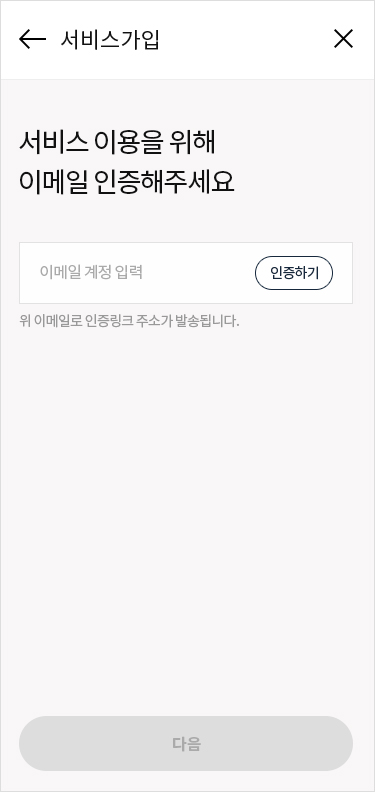
Email Verification
-
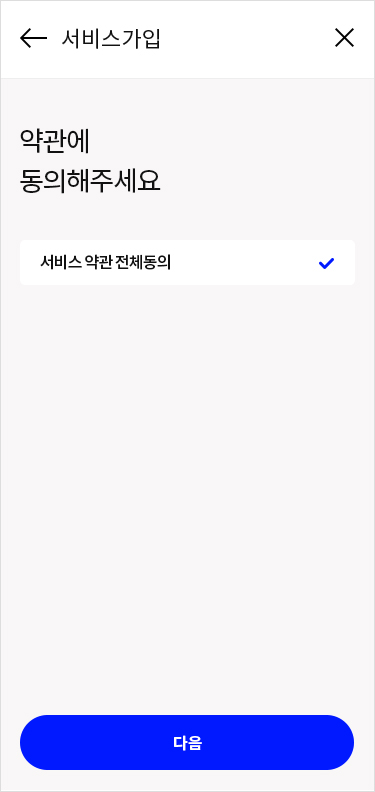
Terms and Conditions
-
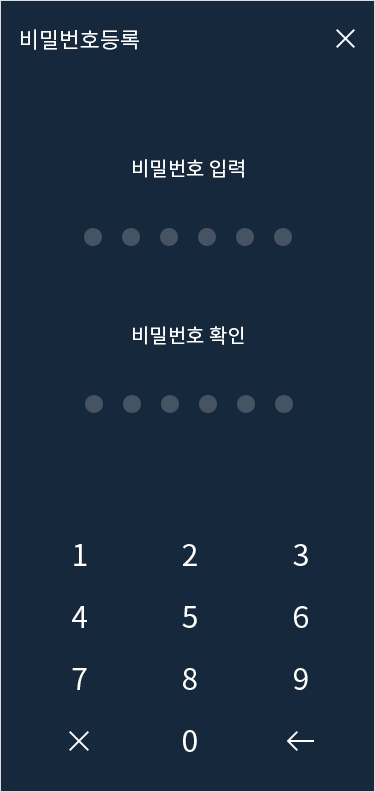
Register Password
-
- 3. Issue Proof of Mobile Service Subscription
-
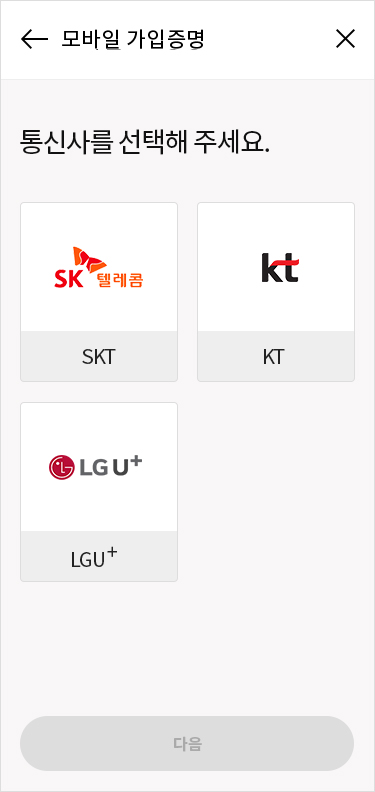
Select Telecommunication Company
-
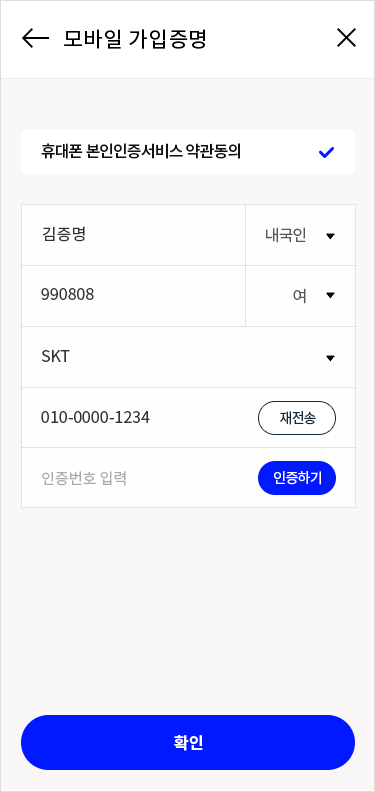
Enter Information
-
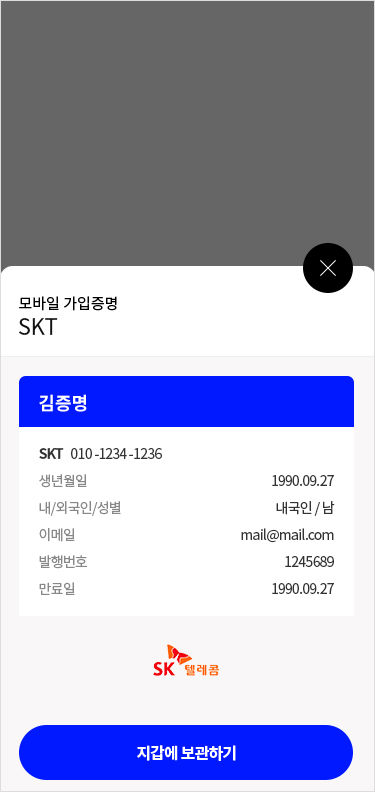
Save to wallet
-

Issue completed
-
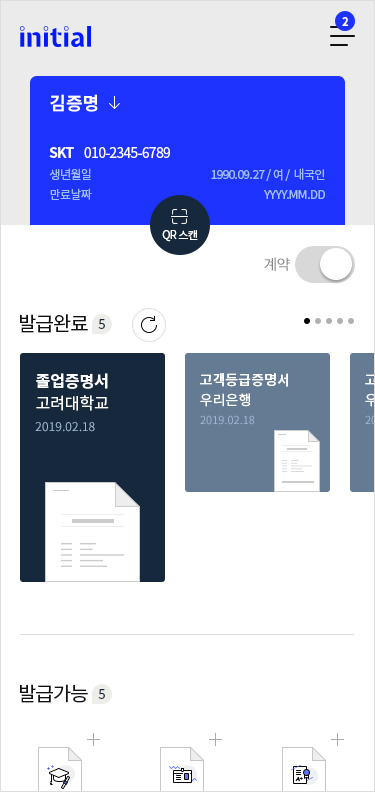
Check at Home
-
- 4. Issue Credential of University Graduation
-
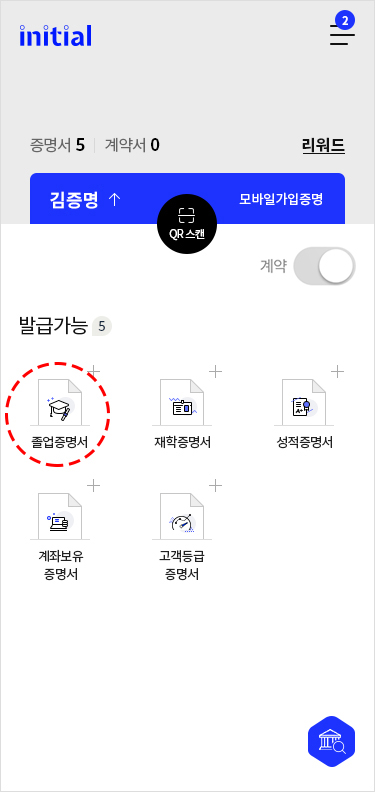
Select Type of Credential
-
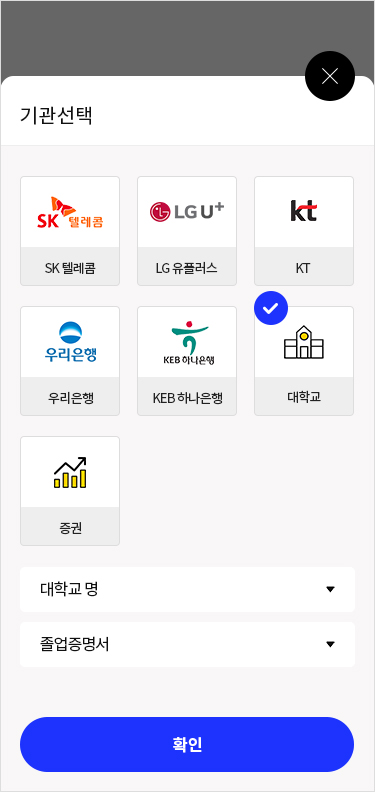
Select Type of Credential
-
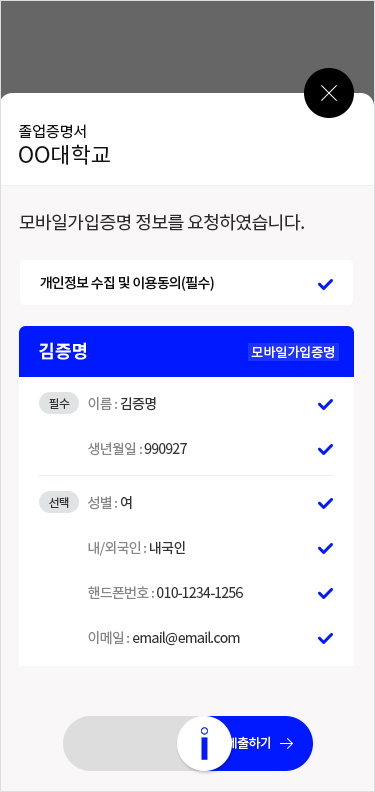
Submit Proof of Mobile Service Subscription
-
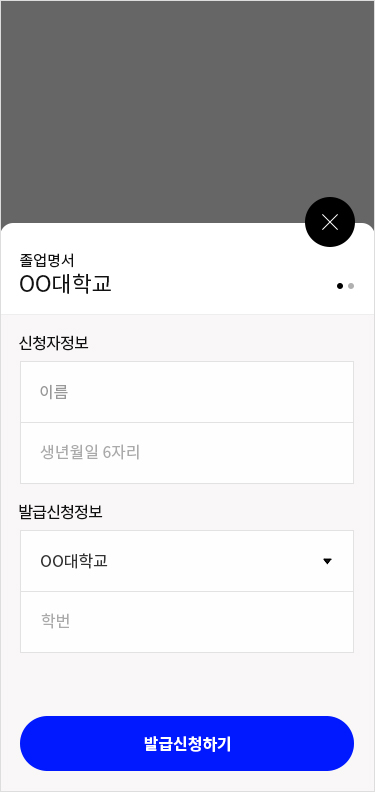
Enter Student Number
-
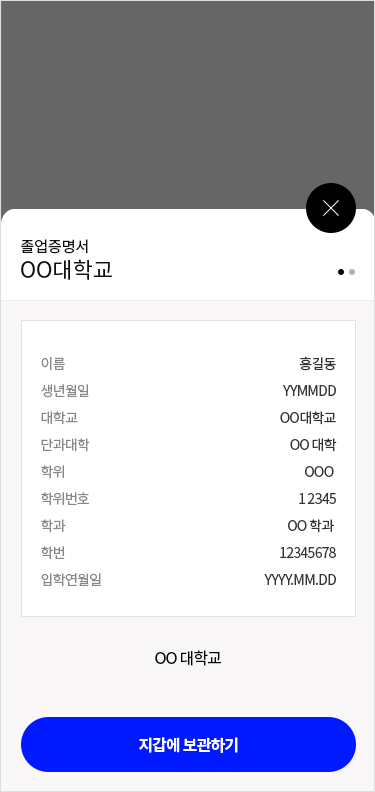
Save to wallet
-

Issue completed
-
- 5. Submit Credential of University Graduation
-
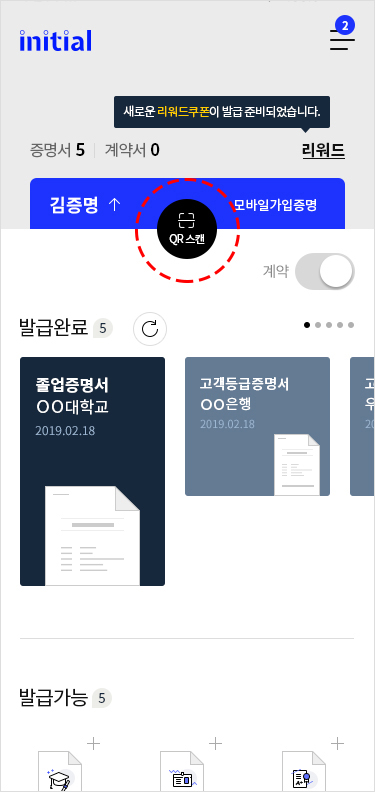
QR Scan
-
 Click the 'Submit' button below to scan the QR code that appears with the initial app.
-
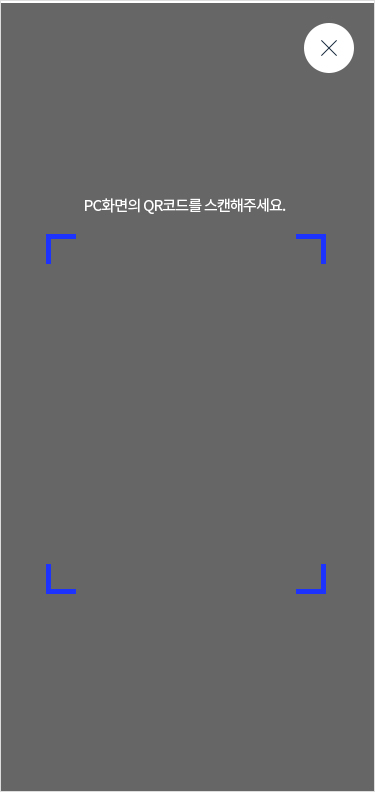

Submit QR Scan
-
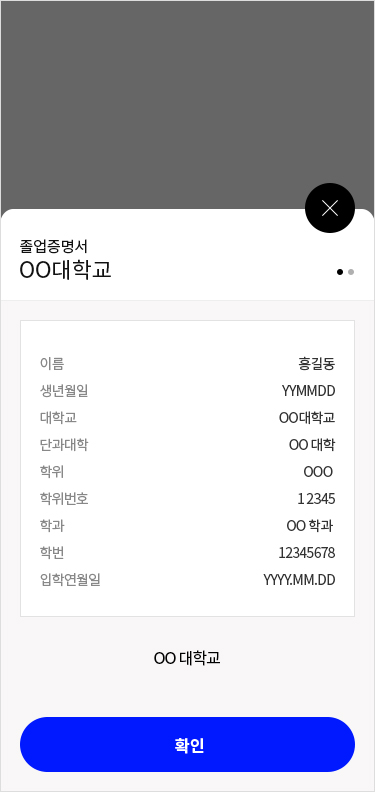
Submission of Credential of Graduation completed
-
- 6. Issue Wooribank Credential of Customer Credential of Customer Rating
-
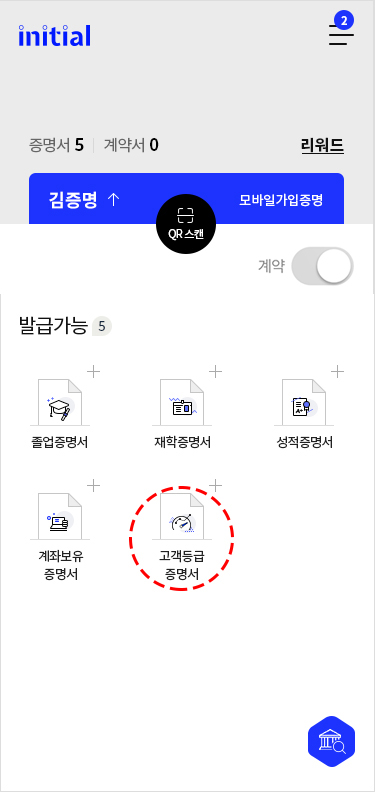
Select Type of Credential
-
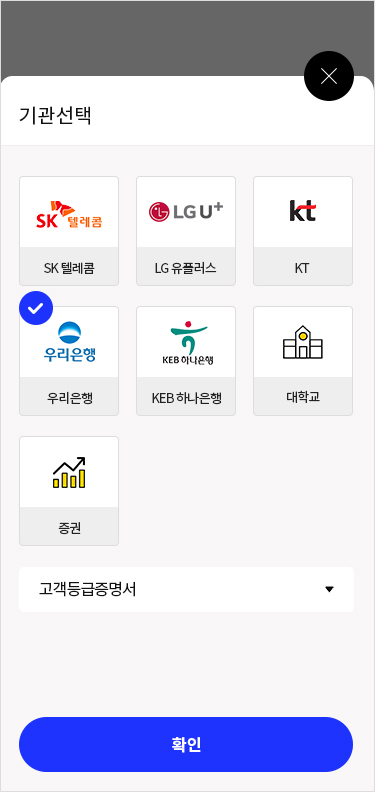
Select Organization
-
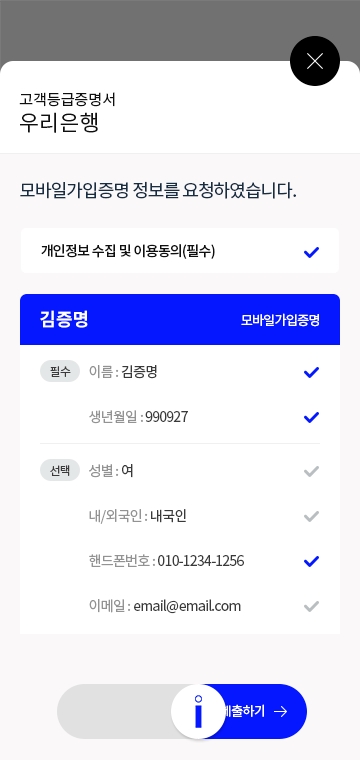
Submit Proof of Mobile Service Subscription
-
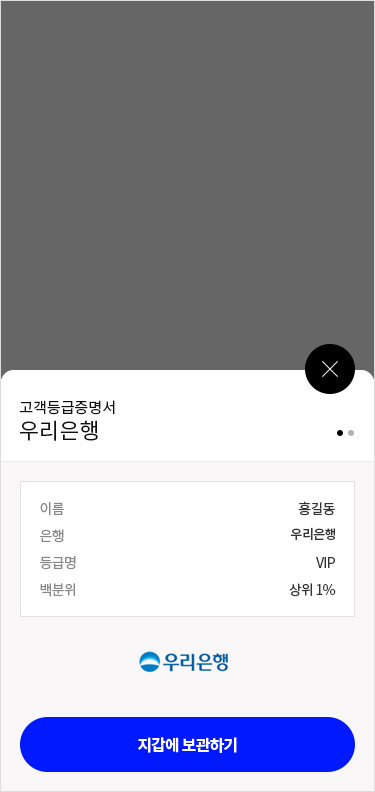
Save to wallet
-
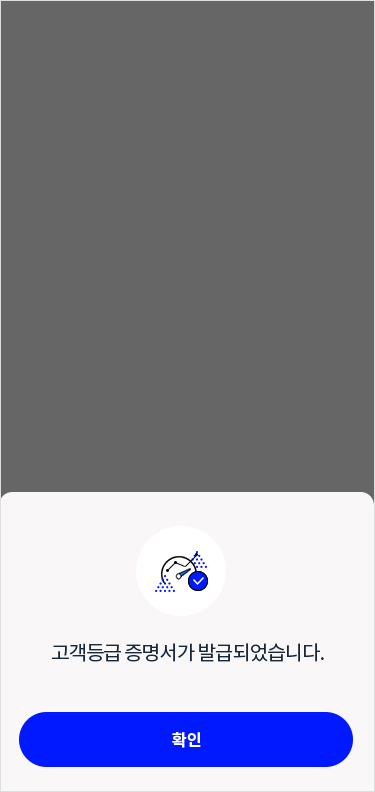
Completed
-
- 7. Submit Wooribank Credential of Bank Account Holder
-
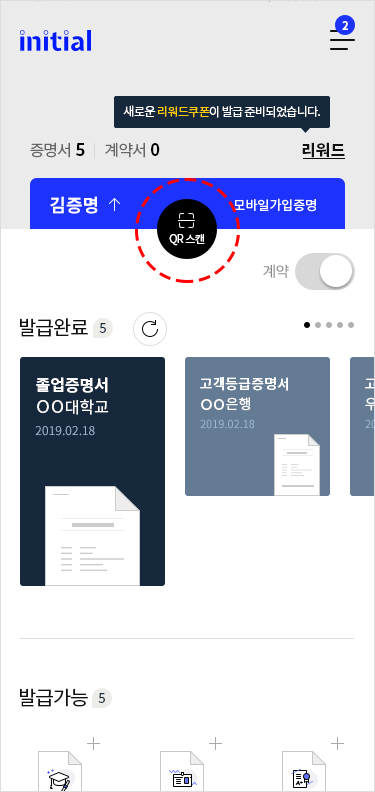
QR Scan
-
Click the 'Submit' button below to scan the QR code that appears with the initial app.
-
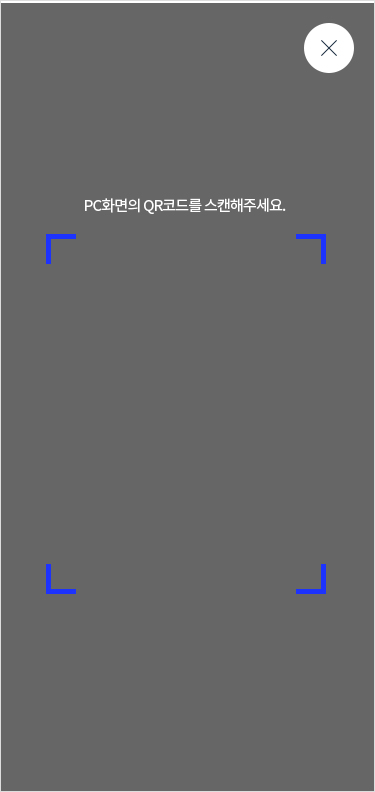
Submit QR Scan
-
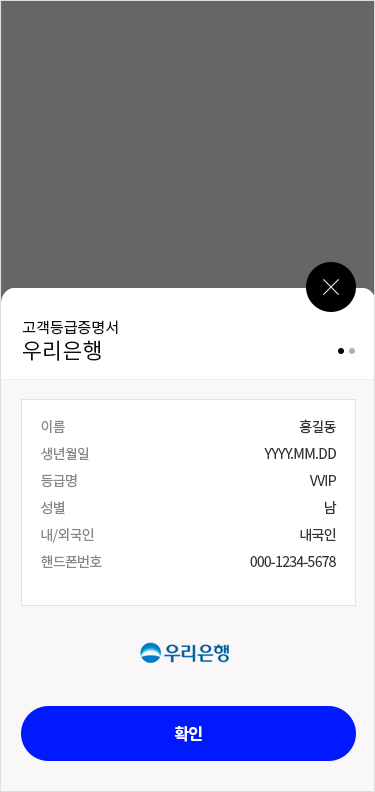
Credential of Customer Rating issue Completed
-
- 8. Issue KEB Hanabank Credential of Bank Account Holder
-
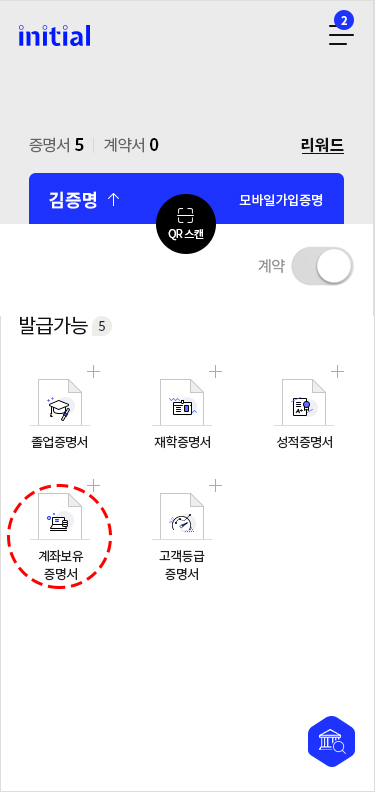
Select Type of Credential
-
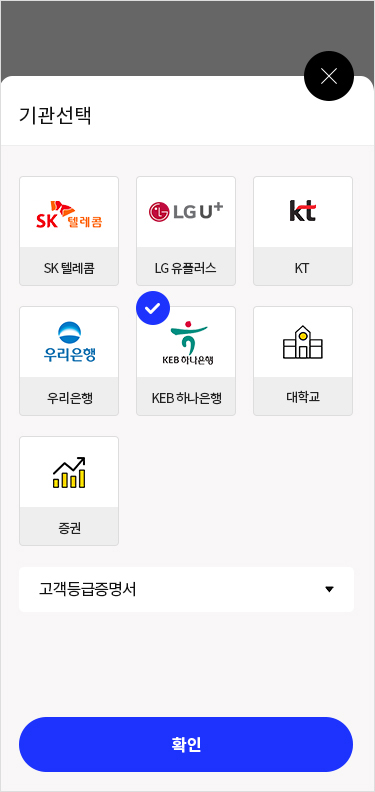
Select Organization
-

Submit Proof of Mobile Service Subscription
-

Save to wallet
-

Issue completed
-
- 9. Submit KEB Hanabank Credential of Bank Account Holder
-
Submit QR Scan
-
Click the 'Submit' button below to scan the QR code that appears with the initial app.
-
Submit QR Scan
-
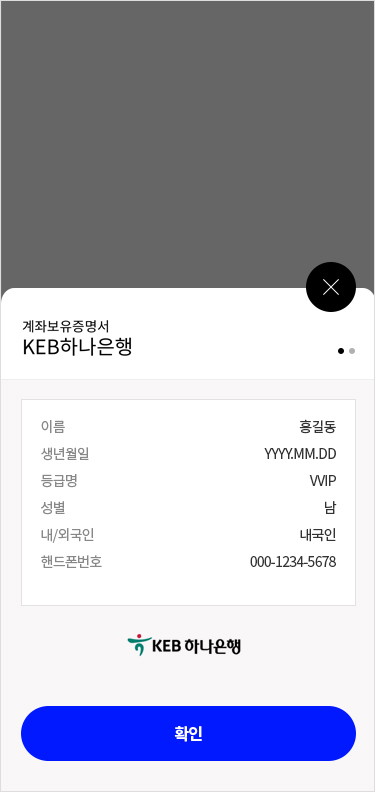
Credential of Bank Account Holder submitted completed
-





Please Submit Credential by scanning QR code through 'initial' APP
The pop-up will automatically disappear when the submission is complete